docker-compose: command not found is usually not a reinstall problem. Docker still works; only the old v1 binary is gone, and the fix is to call docker compose, with a space.
The slow part is finding every place the old command is written. When I migrated 4 projects to v2, a simple local project took under 10 minutes. One with CI and deployment scripts took close to an hour.
On this page
Why does docker-compose say “command not found”?
In most cases, the Compose V2 plugin is installed and only the v1 standalone binary is missing.
The first time I saw the error, I thought Docker itself had been removed. docker --version printed normally, and only docker-compose failed, which threw me.
I suspected some other configuration problem at first. It only made sense after I ran docker compose version on its own.
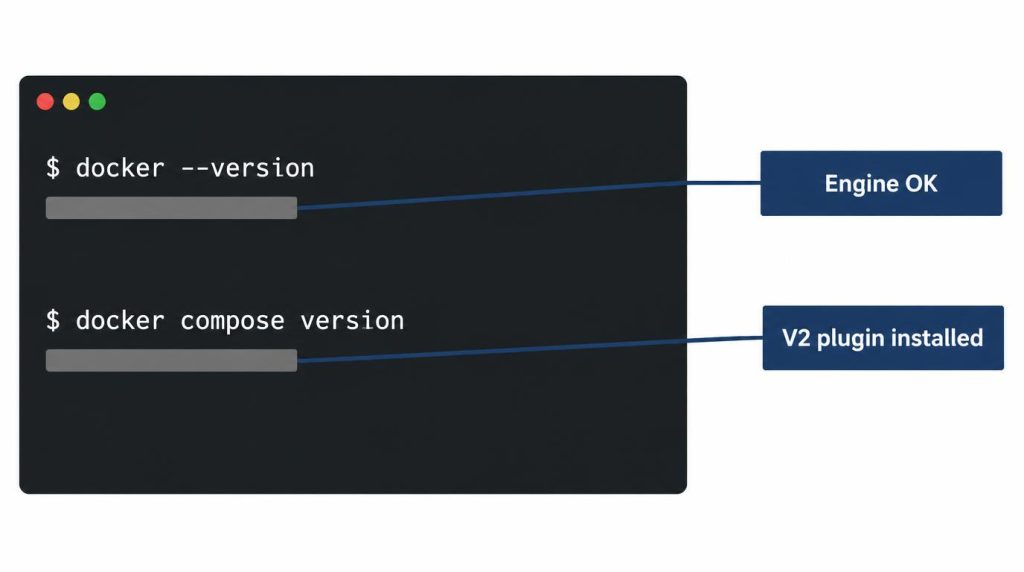
docker --version and docker compose version run back to back in one terminal (AI-recreated screen, values hidden).Docker Engine was fine. The one thing missing from the system was the old standalone docker-compose executable.
Docker Compose V2 is the Compose command built into the Docker CLI as a plugin (docker-compose-plugin). V1 was a separate binary written in Python. V2 lives in the cli-plugins directory and runs as docker compose, without the hyphen.
If docker --version works, why doesn’t docker-compose?
Docker Engine and Compose are separate packages. Engine can run normally while the old hyphenated command fails, because the v1 binary was removed.
Run which docker-compose to check. In most cases it shows right away that the file isn’t there at all.
When was Docker Compose v1 removed?
Docker announced on January 31, 2023 that Compose V1 support would end after June 2023, and that V1 would be removed from future Docker Desktop versions. GitHub first announced the runner image removal in April 2024.
After one postponement, GitHub started removing v1 from its Actions and Azure DevOps runner images on July 29, 2024. The rollout took 3–4 days, according to the runner-images notice.
| Date | What happened |
|---|---|
| 2023-06 | v1 support ended |
| 2024-04 | Runner removal announced |
| 2024-07-29 | Removal from runners began |
If a project keeps running on an old server or CI image, one day you find the command is simply gone.
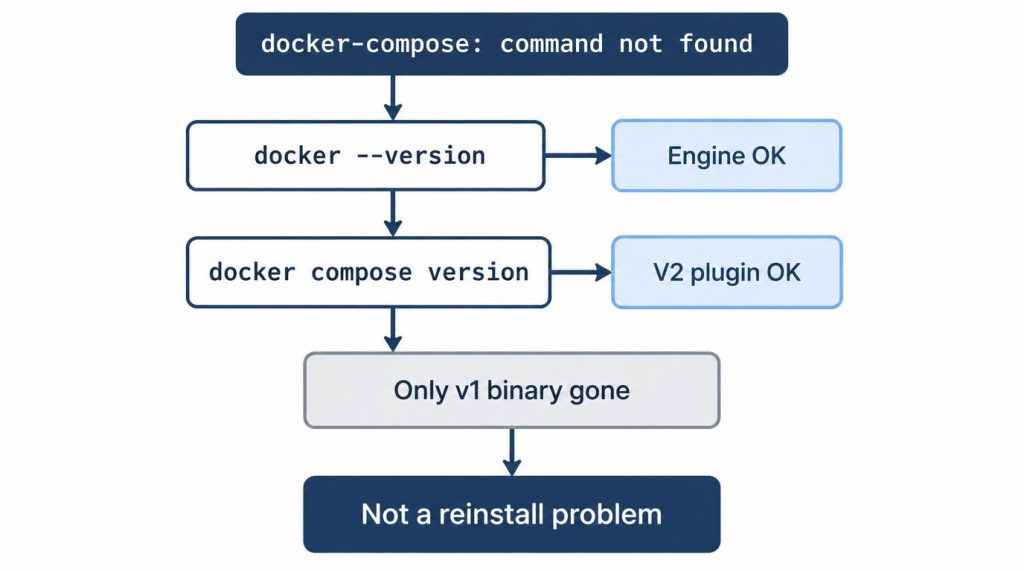
docker --version, then docker compose version, to find the cause of command not found.Command syntax: drop the hyphen
Most v1 commands pass once you drop the hyphen and write docker compose as a subcommand of the Docker CLI.
| v1 (old) | v2 (new) |
|---|---|
docker-compose up |
docker compose up |
docker-compose down |
docker compose down |
docker-compose ps |
docker compose ps |
docker-compose logs |
docker compose logs |
Don’t be surprised if docker compose version prints v5. Docker released Compose v5.0.0 on December 2, 2025, and v5.6.1 is current as of November 1, 2026. The command is still docker compose.
The trouble is where the command is buried.
Local passed, then CI failed again
At first I thought fixing the shell scripts I used locally would be enough.
I found the script files in the project and changed docker-compose to docker compose. docker compose up worked locally, and I figured I was done.
Then CI failed again.
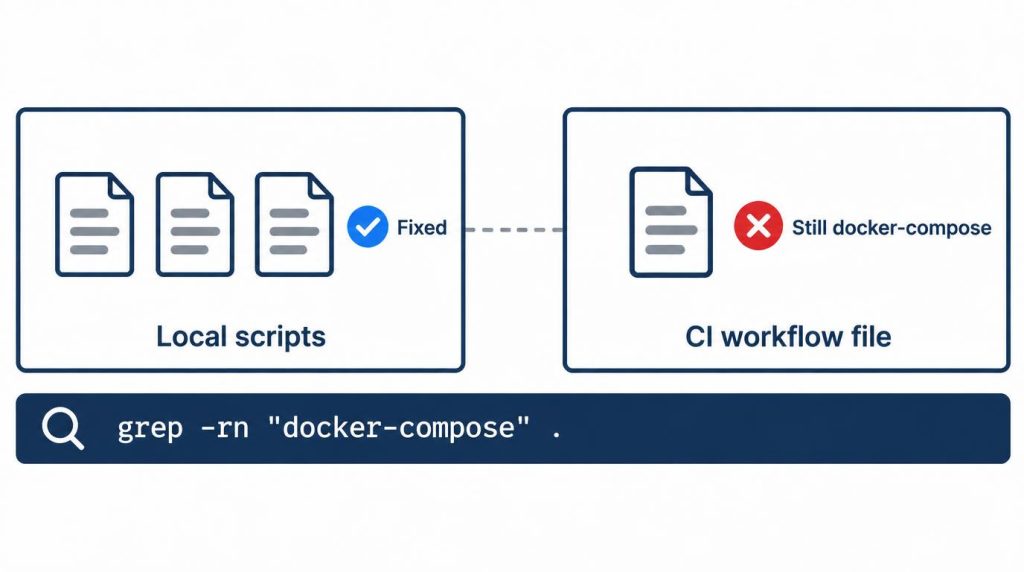
docker-compose on the other.I had searched only the scripts inside the repository. A docker-compose line hardcoded in the CI config was still there.
The old command sat in a GitHub Actions workflow file, outside the scope of my shell script search. Local and CI are separate places where commands run, and fixing one says nothing about the other. I wrote about splitting what runs locally and what runs in CI in a different context.
The same pattern shows up in open source. In jee1/memento issue #1030, an npm script called the v1 binary directly and failed right away in a v2-only environment.
That changed my view. “Just change the command” is almost right for a small personal project. For a production project with CI and deployment scripts attached, it’s an overstatement.
A Compose V2 migration isn’t a command change. It’s an audit of every call site.
How to find every docker-compose call in a repository
A string search across the whole repository beats opening files one by one. It covers shell scripts, Makefiles, READMEs, CI workflow files and deployment scripts in one pass.
grep -rn "docker-compose" .
This one command lists everywhere the hyphenated form is left.
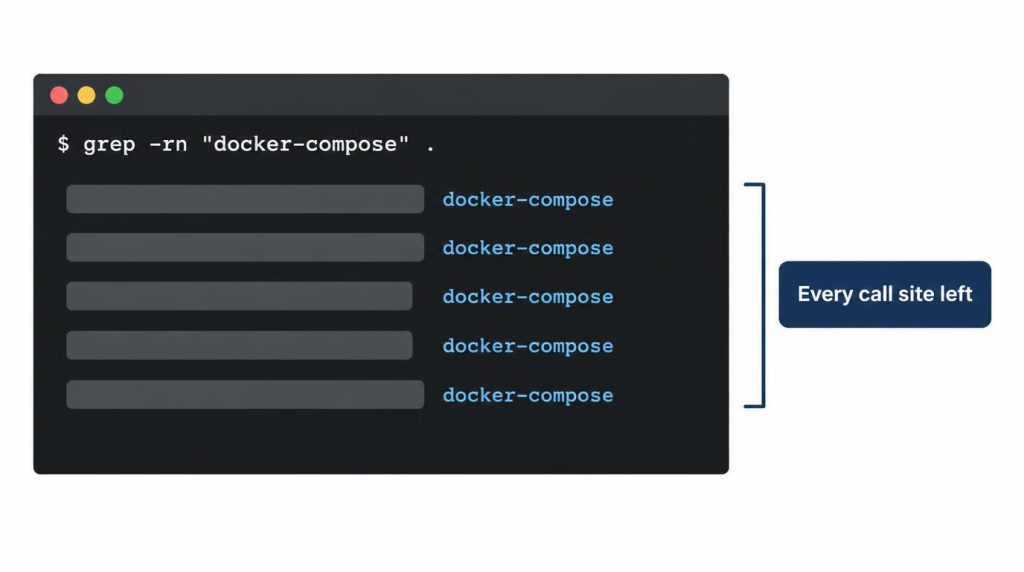
grep -rn "docker-compose" . output with each match highlighted (AI-recreated screen, values hidden).Expect some hits on the file name docker-compose.yml. Those can stay: Compose prefers compose.yaml, but it still reads docker-compose.yml and docker-compose.yaml for backward compatibility, per the Compose application model docs.
If I did this again, I think I’d start with a full search like this to list the call sites, then fix them one by one. Starting with the local scripts meant I had the order backwards.
That is also where the time gap across my 4 projects came from. I thought I was changing one command, but finding where it was called took more of the time.
Can you keep v1 and v2 side by side for a while?
It’s possible, but I don’t recommend it. With a v1 binary still around, it gets confusing which one each script calls, and you end up auditing every call site again anyway.
Docker’s install docs still list a standalone install, but under “Standalone (Legacy)”, supported only for backward compatibility.
Should you delete the version: key now?
Yes. The version: key is obsolete in v2, but I’d delete it in a separate commit from the command switch.
The version: "3.8" line at the top of docker-compose.yml is effectively ignored now. The Compose file reference says the top-level version is only informative, and Compose prints a warning that it is obsolete if you keep it. Deleting it doesn’t change behavior.
When I did the cleanup, I didn’t bundle this key with the command change. If both go in together and something breaks, you can’t easily tell whether the command or the YAML caused it.
So I removed version: in a separate commit, after confirming everything ran. Leaving it in for a while causes no problems, but split commits make it much easier to retrace your steps.
Linux server, macOS and CI install Compose differently
Docker Desktop and Linux servers get Compose V2 in different ways. Checking one environment doesn’t tell you the others are done.
| Environment | How you get V2 | Check |
|---|---|---|
| macOS (Docker Desktop) | Bundled | docker compose version |
| Linux server | docker-compose-plugin package |
Same command |
| CI runner | Depends on the image | A version step |
Docker’s install docs say Docker Desktop includes Compose along with Docker Engine and the Docker CLI.
On Linux, the plugin is its own package. Docker’s Ubuntu guide lists it in the Engine install command (sudo apt install docker-ce docker-ce-cli containerd.io docker-buildx-plugin docker-compose-plugin), checked November 1, 2026. If your server got Engine some other way, add the plugin with sudo apt-get install docker-compose-plugin.
As of November 1, 2026, GitHub-hosted runners have the plugin: the ubuntu-24.04 image 20261026.354.1 lists Docker Compose 2.38.2. On other runners, depending on the image version, v2 may be missing or only v1 may be left. Add a docker compose version step and check the workflow log.
The environments I dealt with split three ways. On a Linux VPS, I ran monitoring containers like Prometheus and Grafana with Compose. macOS Docker Desktop was for local development, and CI was where the leftover calls in the repository turned up.
Each one surfaced the problem at a different time, in a different way.
Where my projects stand now
As of September 2026, every environment I manage runs on V2, and new scripts and docs are written for docker compose. That doesn’t mean I’ve gone through every archived repository I haven’t touched in a long time.
My rule now isn’t “keep v1 compatibility.” It’s “make v2 the default, and clean up leftover legacy calls whenever I reopen an old project.”
References
- Docker Compose: What’s New, What’s Changing, What’s Next (Docker blog, January 31, 2023): Compose V1 support ends after June 2023
- Docker Compose v1 deprecation notice (actions/runner-images #9692): v1 removal from runner images, rollout from July 29, 2024
- Ubuntu 24.04 runner image readme (actions/runner-images): Docker Compose 2.38.2 in image 20261026.354.1
- Docker Compose v5.0.0 release notes (GitHub): the current major version of the
docker composeplugin - Install Docker Compose (Docker docs): Docker Desktop includes Compose; standalone install is legacy
- Install the Compose plugin on Linux (Docker docs):
docker-compose-pluginpackage - Install Docker Engine on Ubuntu (Docker docs): Engine install command that includes the plugin
- Version and name top-level elements (Docker docs):
versionis informative only and obsolete - How Compose works (Docker docs):
compose.yamldefault,docker-compose.ymlstill supported - jee1/memento issue #1030: a CI and npm script that hardcoded the v1 binary and failed
Related posts
- AI Agent Ran git commit –no-verify? Make CI the Real Gate
- Yocto Build Disk Space: Why 60GB Failed and 200GB Worked
I first wrote this in Korean on my blog: https://jjeongil.tistory.com/1974.