“Local LLMs are too slow” is only half true. On my RTX 4090 with 24GB of VRAM, quantized 7–8B models are usable every day: the first token shows up almost instantly. A 30B-class model I forced onto the same card took 20–30 seconds to start answering, and over a minute for long replies. So the real question isn’t “will it run?” It’s “can I live with this speed?” For daily coding on a 24GB card, my answer is a 7–8B model at around Q4.
I’m a backend developer and use AWS and GCP at work. For personal projects I run models locally first, with Ollama and LM Studio.
My setup and the 8B vs 30B gap
My main dev machine has an RTX 4090 (24GB VRAM) and 64GB of system RAM, the same card I later used for vLLM vs llama.cpp.
| 7–8B, quantized | 30B-class, forced onto the card | |
|---|---|---|
| First token | almost instant | 20–30 s |
| Long answer | — | over a minute |
| Daily coding use | yes | no |
These are wait times I noticed in use, not benchmark results: there are no tokens-per-second figures, and the 30B run’s quantization and context length weren’t recorded. What I can say is that past the 20B class I start watching VRAM, depending on model size and context length.
“It runs” and “it’s usable” are different things. When I ask questions in between writing code, a 20–30 second wait means my hands have already moved on to something else.
Why a bigger model gets slow
A local LLM is a language model that runs on your own machine: a model file (usually GGUF), an inference engine (Ollama uses llama.cpp), and memory (VRAM or Apple Unified Memory) to hold both. If memory falls short, the model either won’t load or crawls.
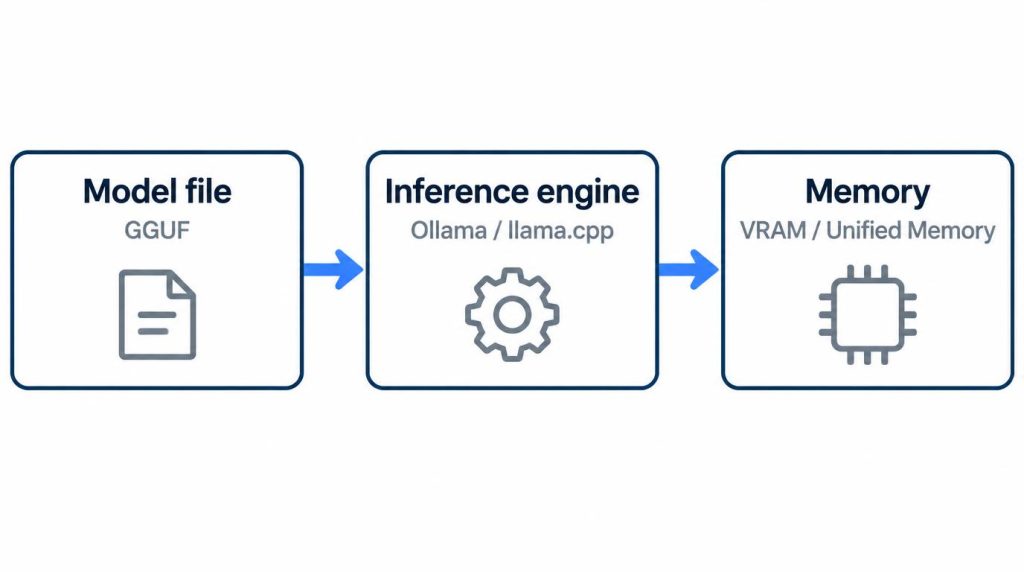
The usual cause of a crawl is that the model plus its context no longer fit in VRAM, so part of it runs from system RAM on the CPU. Memory needs come from two places:
- The weights. 8B means about 8 billion parameters. Q4 stores each weight in roughly 4 bits instead of 16. As of November 6, 2026, the
llama3.1:8bdefault tag (Q4_K_M) is 4.9GB,q8_0is 8.5GB and FP16 is 16GB (Ollama library). A 30B-class model is several times larger at the same level. - The context (KV cache). It grows with context length, so a model that fits at a short context can spill at a long one.
I didn’t check which of these happened in my 30B run, so I can’t tell you it was a spill. These are the checks I’d run on it now.
How to check and fix it in Ollama
All of the following is from the Ollama FAQ (checked 2026-11-06).
- Check where the model is loaded. Run
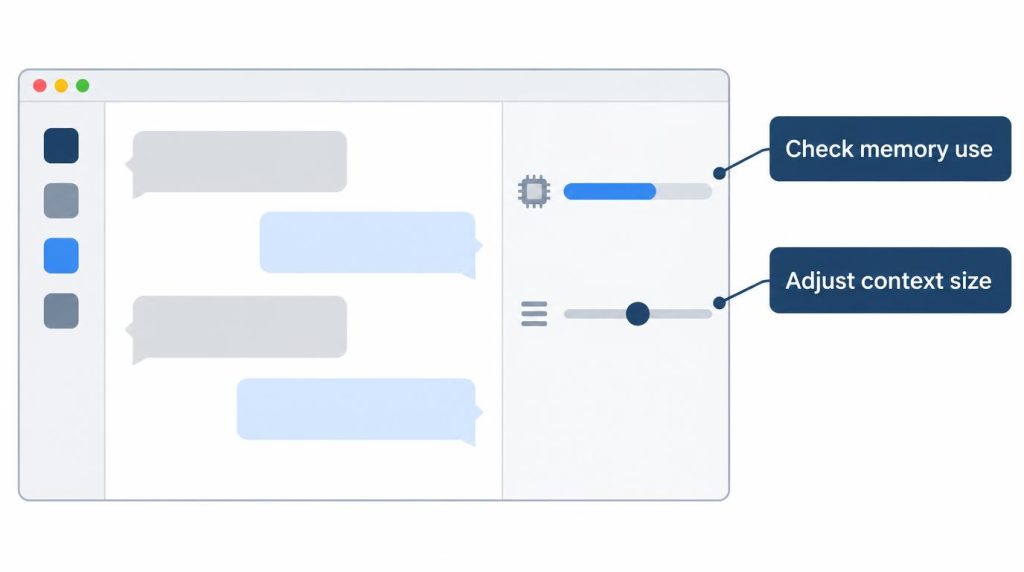
ollama psand read the Processor column.100% GPUmeans it is fully in VRAM; a split such as48%/52% CPU/GPUmeans part of it is in system memory, which is where speed falls off. - Cap the context. Ollama’s default context window is 4096 tokens, and the
OLLAMA_CONTEXT_LENGTHenvironment variable overrides it. A larger value costs more memory. - Shrink the KV cache.
OLLAMA_KV_CACHE_TYPE=q8_0uses about half the memory of the defaultf16, with a very small loss in precision. It needs Flash Attention, which Ollama turns on automatically when the backend supports it (OLLAMA_FLASH_ATTENTION=1forces it). - Drop a size class. If it still doesn’t fit at 100% GPU, drop to a smaller model rather than quantizing the big one harder, for the reason in the next section.
In LM Studio, the same memory use and context length are visible on screen while you load a model, which makes this easier to watch.
Where heavy quantization broke my refactoring
Short code was fine. Long, constraint-heavy work was where pushing quantization too far broke things.
I gave a heavily compressed model several TypeScript files plus their related interfaces and asked it to refactor them. It followed the early requirements well. Further in, it redefined types that already existed and subtly changed function signatures. On short code generation I barely noticed a difference.
Research points the same way. A 2026 evaluation of llama.cpp quantization on Llama-3.1-8B-Instruct reports larger drops at lower bit levels on constraint-heavy tasks such as multi-step reasoning.
So I settled on a moderate model size at around Q4. I no longer ask how many bits I can drop and still chat. I ask whether the model keeps every constraint to the end of the work I actually give it.
How much VRAM do you need? A rough guide
Only the 24GB row is my own hardware. The others are a rough guide.
| Memory (VRAM/Unified) | Usually runs | Note |
|---|---|---|
| 8GB | 3–4B | Community reports of up to 9B |
| 16GB | 7–8B | — |
| 24GB (my RTX 4090) | 7–8B with room; watch VRAM from 20B | 64GB system RAM on top |
| 32GB | 14–30B | Watch context length too |
If you’re shopping for a card, I compared an RTX 5060 Ti 16GB with a used RTX 3090 separately.
FAQ
Should I pick 8B or 30B on a 24GB card?
For coding in between other work, 7–8B at around Q4. The 30B-class model’s 20–30 second wait was too long for that use.
Can I run a local LLM with 8GB of memory or no GPU?
Yes, but you’re limited to small 3–4B models. Start small on your own hardware and check the speed yourself.
Is local good enough to replace a cloud API?
Not fully, in my view. Local is the practical choice for personal projects with many repeated calls, or when data shouldn’t leave the machine. When you need stable quality in production, moving to the cloud is the better call.
References
- Ollama FAQ (checked 2026-11-06):
ollama ps,OLLAMA_CONTEXT_LENGTH,OLLAMA_KV_CACHE_TYPE - Ollama library: llama3.1 tags (checked 2026-11-06): file sizes for the default, q8_0 and FP16 builds
- Which Quantization Should I Use? A Unified Evaluation of llama.cpp Quantization on Llama-3.1-8B-Instruct (arXiv, 2026)
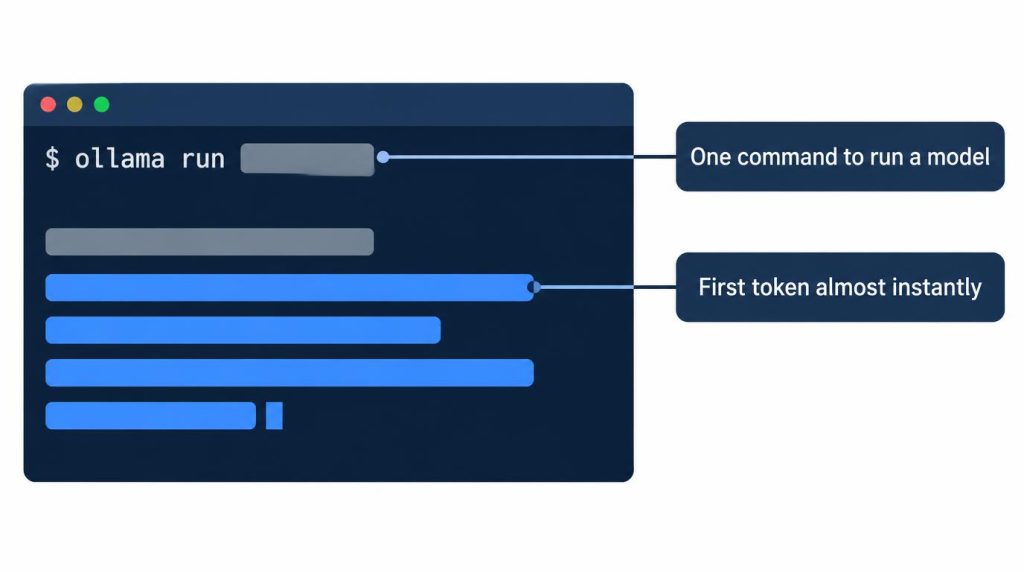
ollama run in a terminal (redrawn illustration).Related posts
- Own an RTX 4090? DGX Spark vs Mac mini for Local LLMs
- RTX 5060 Ti 16GB vs Used 3090 for Local LLM: Does 30B Fit?
- vLLM vs llama.cpp on a Single RTX 4090: Why I Don’t Use vLLM
- Docker Model Runner vs Ollama: Which One to Use (RTX 4090 Test)
I first wrote this in Korean on my blog: https://jjeongil.tistory.com/3530.